

Selling or trading in an old phone in Phnom Penh: how it is valued and how to prepare
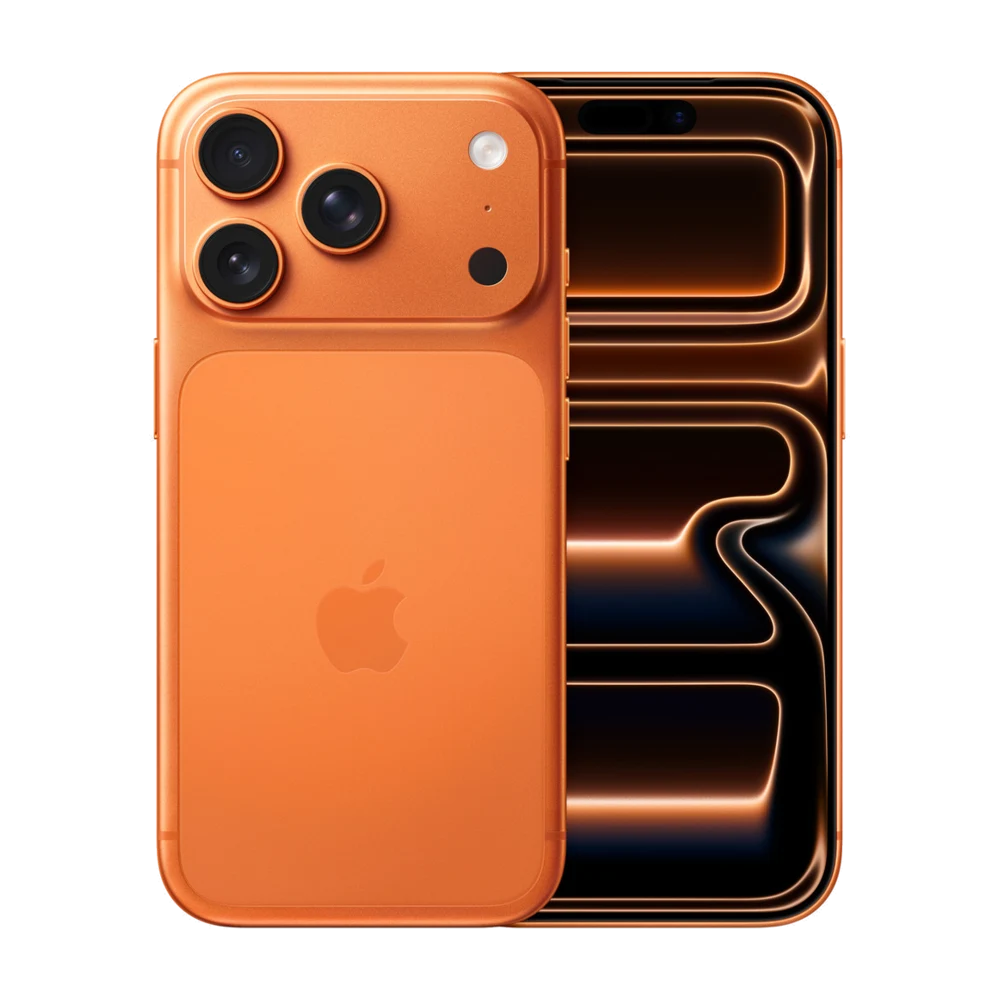
Before you sell or trade in an old phone, it helps to know what a shop looks at when it sets the price. Then you can prepare well and get a fair price.
## What sets the price
1. Model and storage (GB) — newer models and more storage are worth more.
2. Outside condition — marks or cracks on the screen, back and edges.
3. Screen — dark spots, lines or touch that doesn't work lower the price.
4. Battery health — see Settings › Battery › Battery Health & Charging.
5. Functions — Face ID or fingerprint, cameras, sound and charging must work well.
6. Parts — an iPhone whose screen or battery was replaced with non-genuine parts (see Settings › General › About › Parts and Service History) is worth less.
7. Box and accessories — a complete set makes the phone easier to sell.
## How to prepare before going to the shop
- Back up your data to iCloud or a computer (Android: Google).
- Sign out of iCloud (turn off Find My) or Google — a phone still locked to an account can't be bought.
- Remove your SIM card and memory card.
- Bring the box and accessories if you have them.
- The seller must be the real owner of the phone.
## How selling or trading works at JET BLACK
1. Pick your model on the Trade-in & sell page to see the price for a clean phone.
2. Send a request on Telegram in one tap.
3. Bring the phone to the shop — we check it and confirm the real price.
4. Get your money or your new phone right away in the shop.
## Trading up to a new or used phone
The value of your old phone comes off the price of the phone you want — you only pay the difference. On the Trade-in & sell page, tap your model and choose the phone you want to see the difference right away. Pay it by cash, card, KHQR, USDT or installments.
Note: prices on the website are for clean phones with no faults. The final price is set after the phone is checked in the shop.